Seasonal visual effects
To activate your seasonal visual effects please follow these training instructions. First, login to your website manager and navigate to the left sidebar. Click on Stores > Configuration >. Next, cli…

Updated
by eMerchantClub Support
To activate your seasonal visual effects please follow these training instructions
First, login to your website manager and navigate to the left sidebar. Click on Stores > Configuration >

Next, click EMC > click Seasonal Visual Effects

Activating the seasonal visual effects is easy. Click the dropdown and select the seasonal effect you want. You can also determine the duration of the seasonal effect by adjusting the seconds in the second field

Now make sure to click Save Config

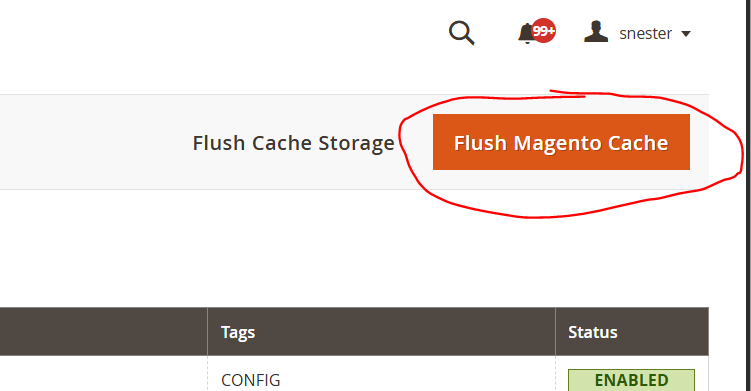
Next, clear your cache by navigating to System > Cache Management > Flush Magento Cache
Now you can go to the front end of your website > click reload > and enjoy the new seasonal effect animation

How did we do?
Spin to win
